Discover UnityAI: The Ultimate Integrated Security Solution for Your Business

In today's fast-paced business environment, where threats can emerge from anywhere—be it physical intrusions, environmental hazards, or cyber vulnerabilities—protecting your assets, employees, and operations isn't just a priority; it's essential for survival and growth. Imagine a security system that doesn't just monitor but intelligently anticipates, responds, and adapts to risks in real-time. That's UnityAI: a comprehensive, AI-powered platform that unifies all your IoT and security devices into one seamless ecosystem.

UnityAI Integrated Security Platform

AI-powered security solution that unifies IoT and security devices for proactive business protection
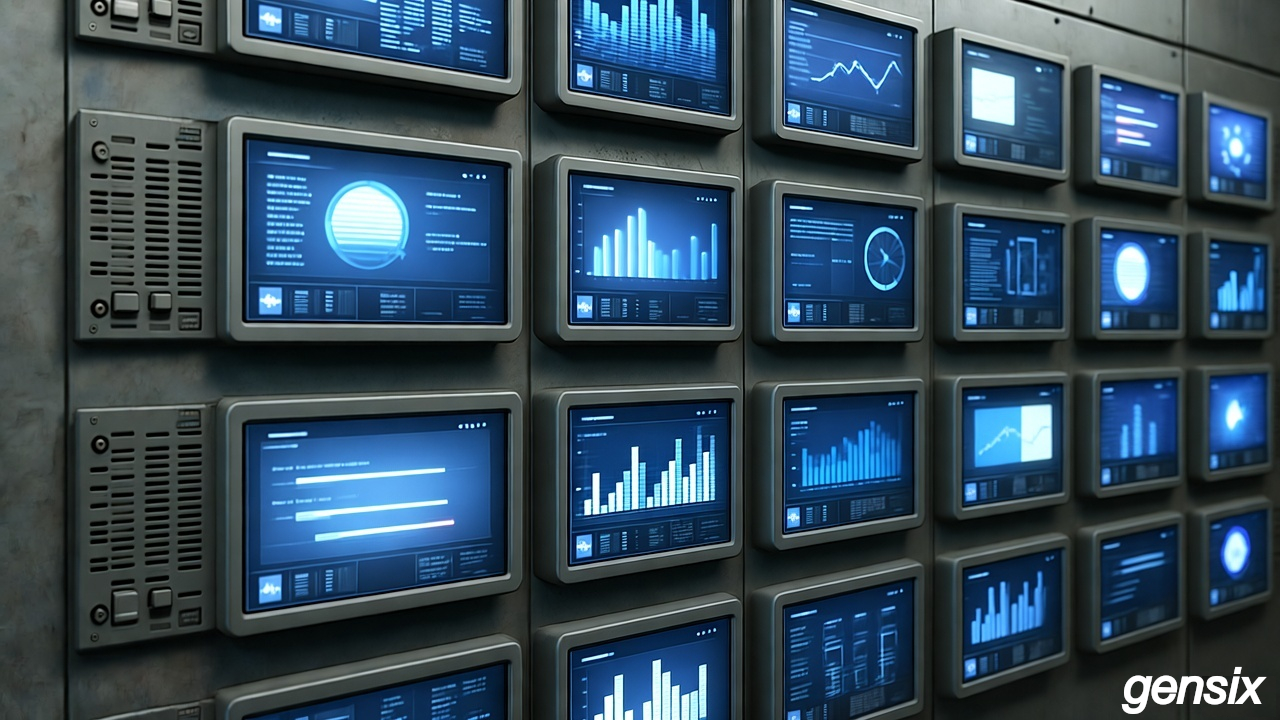
UnityAI Integrated Security Platform

UnityAI Integrated Security Platform

Whether you're running a retail store, office space, warehouse, or manufacturing facility, UnityAI empowers you to create custom rules that make your alarms, sensors, cameras, and more work together harmoniously. No more siloed systems or missed alerts—UnityAI delivers proactive protection, reducing downtime, minimizing losses, and giving you unparalleled peace of mind.

Why Choose UnityAI?

  • Seamless Integration: Unifies diverse IoT sensors, alarms, cameras, and legacy hardware without custom coding
  • Advanced AI Video Analytics: High-accuracy detection for objects, faces, behaviors, and anomalies with machine learning
  • Cloud-Based Verification: Secure cloud functions analyze alerts, adding threat severity and environmental context
  • Flexible Storage: Hybrid on-site and cloud storage for speed, cost-efficiency, and compliance
  • Optional Human Oversight: 24/7 monitoring by trained professionals for emergency response coordination
  • Scalability & Customization: Rule creation via intuitive interfaces, API integrations, and modular expansions
  • Security & Compliance: End-to-end encryption, regular updates, and adherence to GDPR/HIPAA standards

Key Benefits: Proactive threat anticipation, real-time response adaptation, reduced false alarms through validated notifications, effortless legacy system integration, and future-proof scalability as your business grows.

Get Quote

Perfect for Your Business Type

UnityAI adapts to various commercial environments, providing tailored security solutions

🏪

Retail Stores

Protect inventory, prevent theft, and monitor customer flow with intelligent analytics and automated alerts.

🏢

Office Spaces

Secure workspaces, control access, and respond to environmental hazards with integrated building management.

🏭

Warehouses

Monitor large areas, detect intrusions, and integrate with existing industrial IoT systems seamlessly.

🏗️

Manufacturing

Combine safety monitoring, equipment protection, and operational efficiency in one unified platform.

🏨

Hotels & Hospitality

Enhance guest safety, protect assets, and streamline operations with comprehensive property security.

🏥

Healthcare Facilities

Ensure patient safety, secure sensitive areas, and comply with healthcare regulations and standards.

UnityAI Implementation Guide

Complete deployment roadmap for seamless UnityAI integration in your business

Estimated Costs of Hardware and Installation

Deploying UnityAI is an investment in your business's resilience, with costs varying based on scale, site specifics, and optional features.

Component Cost Range (ZAR) Description
Hardware Costs R1,900 - R8,500 IP Cameras (4-8 units), Central Processing Unit/Server, Sensors and Integration Modules, Storage Drives
Installation and Setup R1,500 - R4,400 Professional wiring and mounting, system configuration and rule setup, cloud onboarding (estimate per new device deployed)
Cloud Analytics (Monthly) R10 - R50 Transaction-based processing for moderate usage (10,000 analyses/month)
Optional Cloud Storage (Monthly) R20 - R100 1-5TB video archival for redundancy
Optional 24/7 Monitoring (Monthly) R40 - R120 Expert oversight and emergency response coordination
Maintenance/Updates (Annual) R200 - R500 Software updates and system maintenance

Note: For a small business with 4 cameras and basic features, expect upfront costs of R3,400-R6,000 plus R50-R200/month for operations. Larger setups may reach R10,000-R20,000 upfront.

Installation and Design Factors Adding Complexity and Cost

While UnityAI is user-friendly, certain factors can increase deployment complexity, timelines, and expenses.

Factor Description Cost Impact
Site Size and Layout Larger or multi-floor buildings require more cabling, repeaters, or wireless extenders R500 - R2,000 additional materials and labor
Number and Type of Devices Integrating 10+ sensors or cameras escalates wiring and configuration costs 20-50% increase in wiring and setup costs
Network Infrastructure Inadequate bandwidth or outdated networks demand upgrades R1,000 - R5,000 for switches, fiber optics, etc.
Custom Rules and Automation Complex scenarios extend setup time for expert programming R500 - R2,000 for advanced configuration
Regulatory Compliance Businesses in regulated industries need encrypted setups or audits 10-30% increase in costs
Environmental Challenges Harsh conditions require rugged hardware R200 - R500 per device

Common Design, Management, and Installer Mistakes to Avoid

Deploying UnityAI demands precision—shortcuts can lead to failures, false alarms, or breaches.

Mistake Consequence Solution
Inadequate Needs Assessment Under-coverage or overkill leading to security gaps Conduct thorough site audit and risk mapping first
Poor Device Placement Useless footage from improper positioning Follow DORI standards and avoid low-light or obstructed areas
DIY or Unqualified Installation System failures from improper wiring or configuration Hire certified professionals for installation
Overlooking Integration and Scalability Siloed systems that can't grow with your business Test compatibility and plan for future expansion
Insufficient Storage and Bandwidth Data overwrites and laggy analytics Calculate retention needs and upgrade network infrastructure
Weak Security Configurations Vulnerable to hacks from default passwords or unpatched software Enable multi-factor authentication and regular updates
Neglecting Maintenance and Training System degradation and misuse Schedule regular checks and train staff on operations
Cost-Focused Shortcuts Higher long-term costs from cheap, unreliable hardware Invest in quality components for better ROI

Practical Step-by-Step Deployment Guide for UnityAI

Ready to implement UnityAI? Follow this straightforward guide for a smooth rollout.

1. Assess Your Needs (1-2 Weeks)

Conduct a site survey to identify risks, inventory existing devices, and define goals. Document desired rules and budget based on estimates above.

2. Design the System (1 Week)

Work with UnityAI specialists to map device placements, integration points, and rules. Select hardware and options.

3. Procure Hardware and Components (1-2 Weeks)

Order compatible cameras, central unit, storage drives, and adapters.

4. Install Hardware (2-5 Days)

Mount cameras and sensors in optimal spots, run cabling, and connect to network.

5. Configure the Platform (1-3 Days)

Install software, integrate devices, set up rules, AI thresholds, and cloud connections.

6. Activate Cloud Features and Monitoring (1 Day)

Link to cloud storage and analytics, enroll in optional 24/7 monitoring.

7. Test and Optimize (1-2 Weeks)

Simulate scenarios, verify rules and responses, adjust AI sensitivity.

8. Train Users and Launch (1 Day)

Educate staff on the dashboard and go live with quarterly maintenance checks.

With UnityAI, deployment is efficient and transformative. Start today—your secure tomorrow awaits!

Ready to Transform Your Business Security?

Contact our experts to experience how UnityAI can elevate your operations, boost efficiency, and safeguard your future.